
Sometimes you want to clear out your history but hold on to a few favourites. Excluding a post protects it from all of your X Deleter deletions. To exclude one, you just need its ID number — here are two ways to get it.
Straight from a post on X
Open the post on X in your browser. Its ID is the run of digits at the end of the page's web address — for example the bold part of x.com/yourname/status/1699…. You can also tap Copy link under the share icon in the X mobile apps to get the same URL.
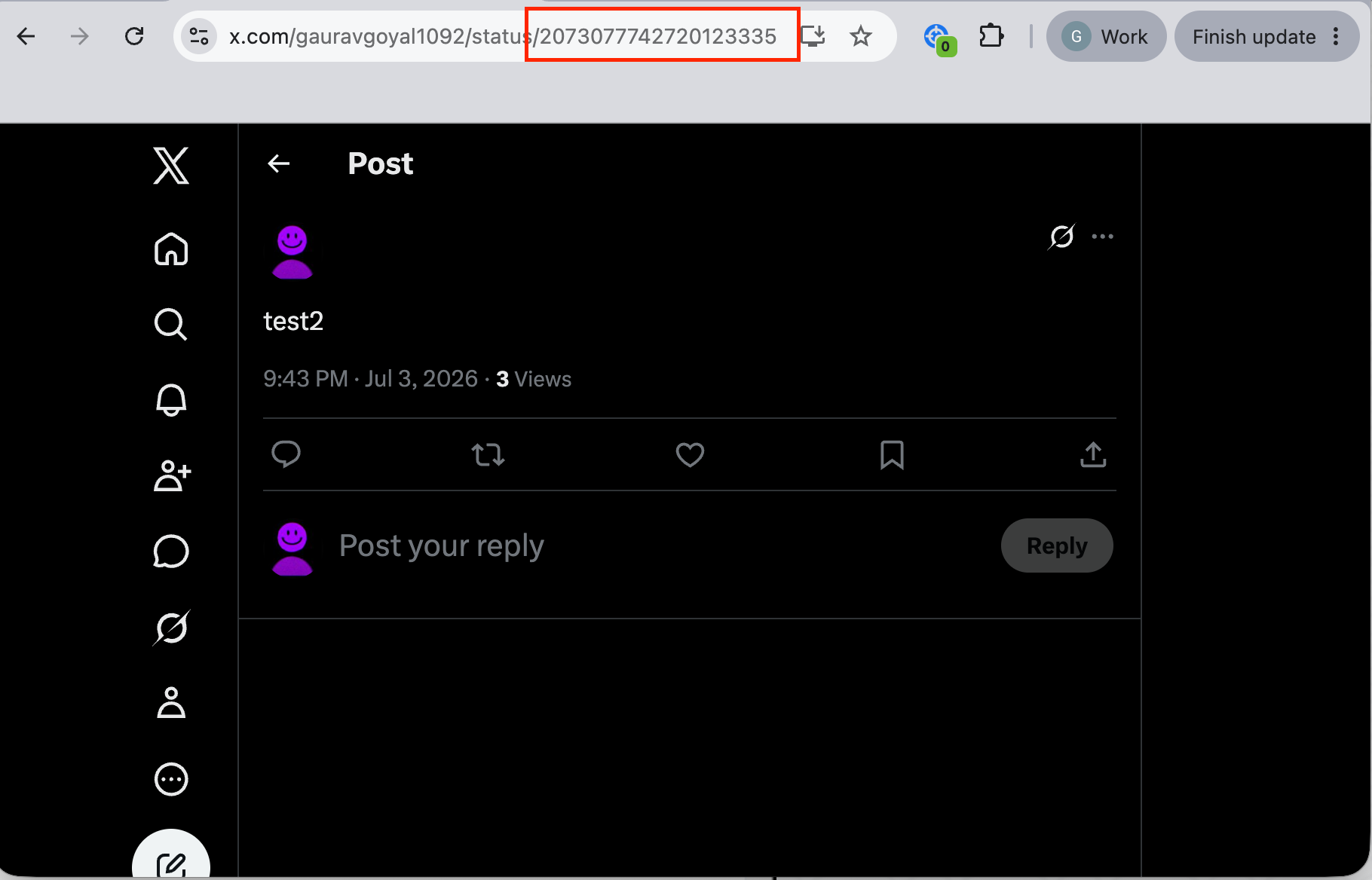
The exclusion box takes the ID number only — the digits by themselves, not the full link. If you copied a whole URL, keep just the number from the end. You can add several at once, one ID per line.
From your uploaded archive
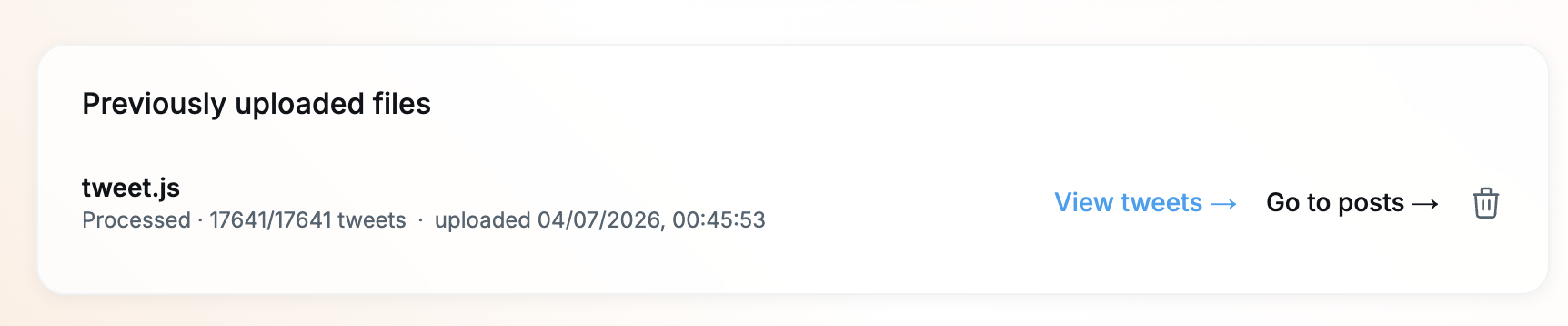
If a post is too old to find easily on X — or you're already working from your archive — upload your X data file and open View tweets from the Uploadpage. It lists your whole history with each post's ID shown next to it, so you can copy the ID of anything you want to protect.
Paste the IDs into the box on the Exclude page and add them — those posts will now be left untouched by future deletions.